

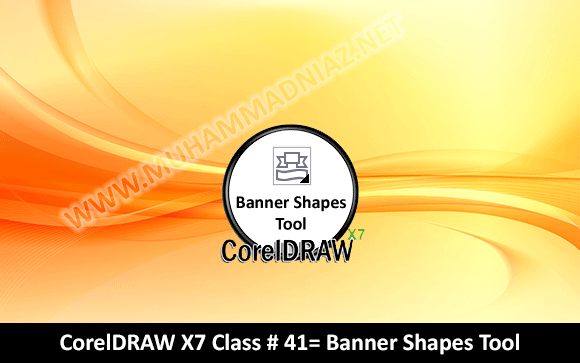
This is CorelDRAW Class NO# 41, in this Video tutorial you can learn how to working with Banner Shapes tool in CorelDRAW X7 Version in Urdu Language OR Hindi Language By Sir Muhammad Niaz. Using the Banner Shapes tool, you can draw predefined Banner shapes. Certain shapes contain diamond-shaped handles that are called glyphs. You can drag a glyph to modify the appearance of a shape. so for more info Watch this video tutorial also Share with your Friends.
Class 41: Banner Shapes Tool
CorelDRAW Topic Homepage

Walikum Salam Shani Awais
ALHAMDULLAH I am fine ap ye use kare
http://www.muhammadniaz.net/2014/05/18/password-recovery-bundle/
Mostly Games Require these Software/tool
1. http://www.muhammadniaz.net/2013/03/29/msvc/
2. http://www.muhammadniaz.net/2014/06/11/net-framework/
3. http://www.muhammadniaz.net/2013/08/13/directx9/
4. http://www.muhammadniaz.net/2013/11/12/installdrivers/