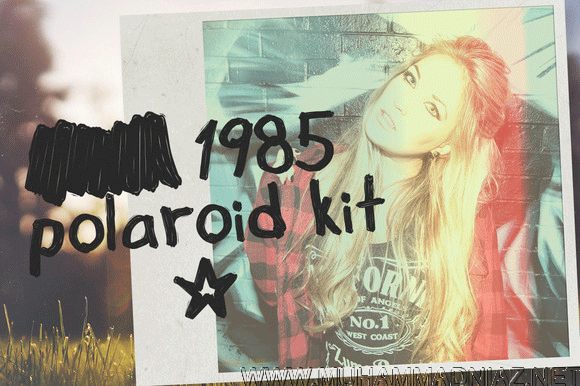

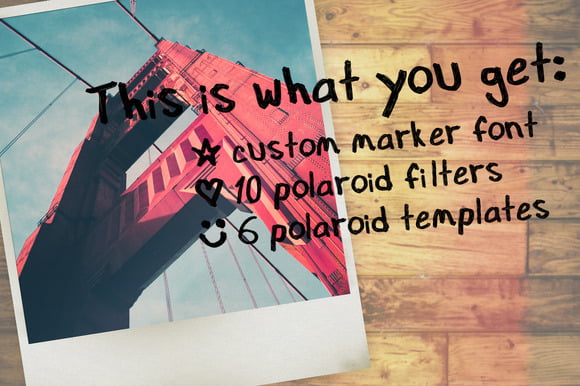
1985 Polaroid Kit Have you ever wanted to add a cool vintage Polaroid effect to your photos? This kit is a ton of fun to add some vintage flare to your photos! Even if you don’t need the templates but Love the filters you can use them on their own! Have some fun and bring it back to the 80’s!, What you get:
1985 Polaroid Kit Included
10 Authentic Photoshop Filters/Light leaks actions
6 Polaroid .psd templates (Smart Object)
Custom 1985 Marker Font
Descriptive Help video walking you through the process.
1500x1800px
Adobe Photoshop CS4 or Later Version required
How to install Photoshop Actions:
1. Navigate to the folder where Adobe Photoshop is installed. Win (Program Files) – Mac (Applications)
2. Open Photoshop and Open an Image you want to apply the filter to.
3. If you don’t have the panel with the actions option you will have to follow this step to open them.
4. At the top navigation click Window. And then click Actions. This will open the panel.
5. Next click the drop down icon in the top right of the Actions panel.
6. Now just click the Polaroid 1985 Filters option near the bottom and they will now be added to your actions panel.
7. If its not in the list you will have to click Load Actions and navigate to the actions folder that you copied the Polaroid 1985 Filters.atn to. Once you find it click open and it will add it to your actions.
You only have to do this once. Now that they are in the list they will always be there.
Now that the Filters are loaded you can open them up and start playing with them!
1. Make sure you only have 1 image open in the layers panel.
2. Choose a filter you would like to use and click the Play/Arrow button.
3. This will apply all the steps to create the filter. Just sit back and let it go.
4. Once its done you can make any change you want to the adjustment layers.

Download Links Here