

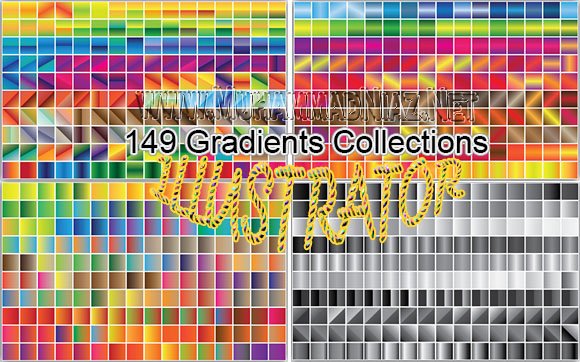
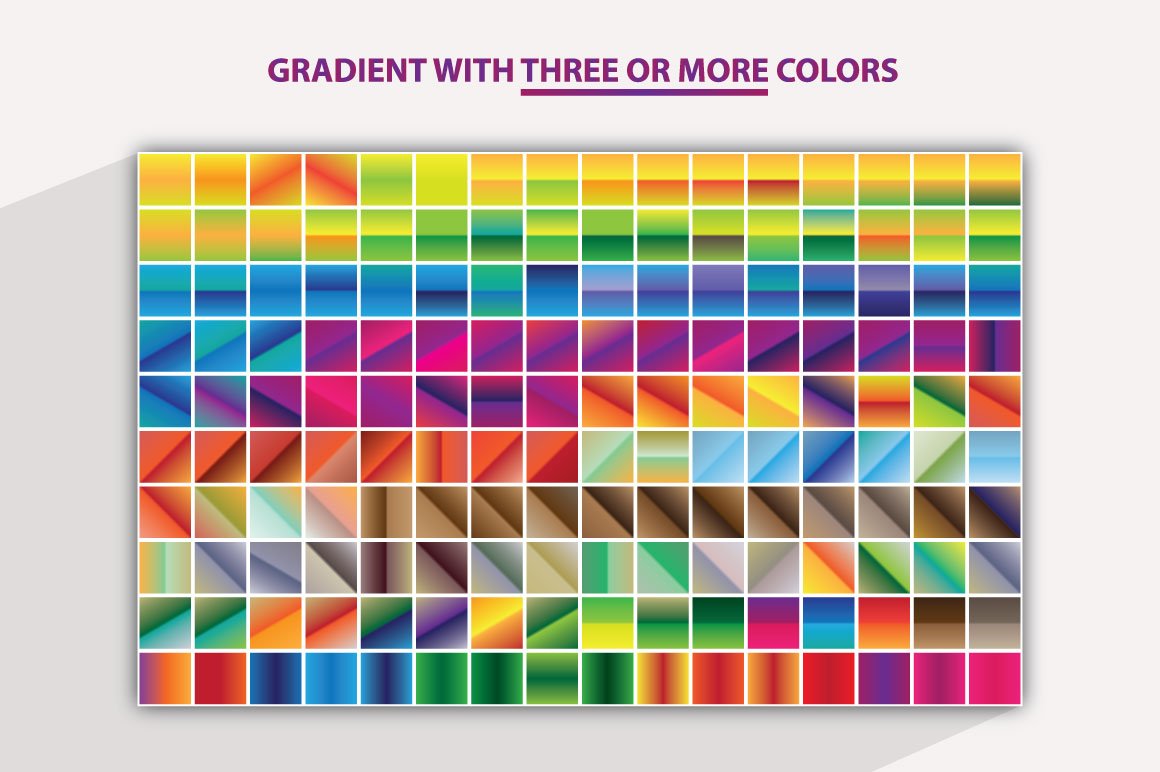
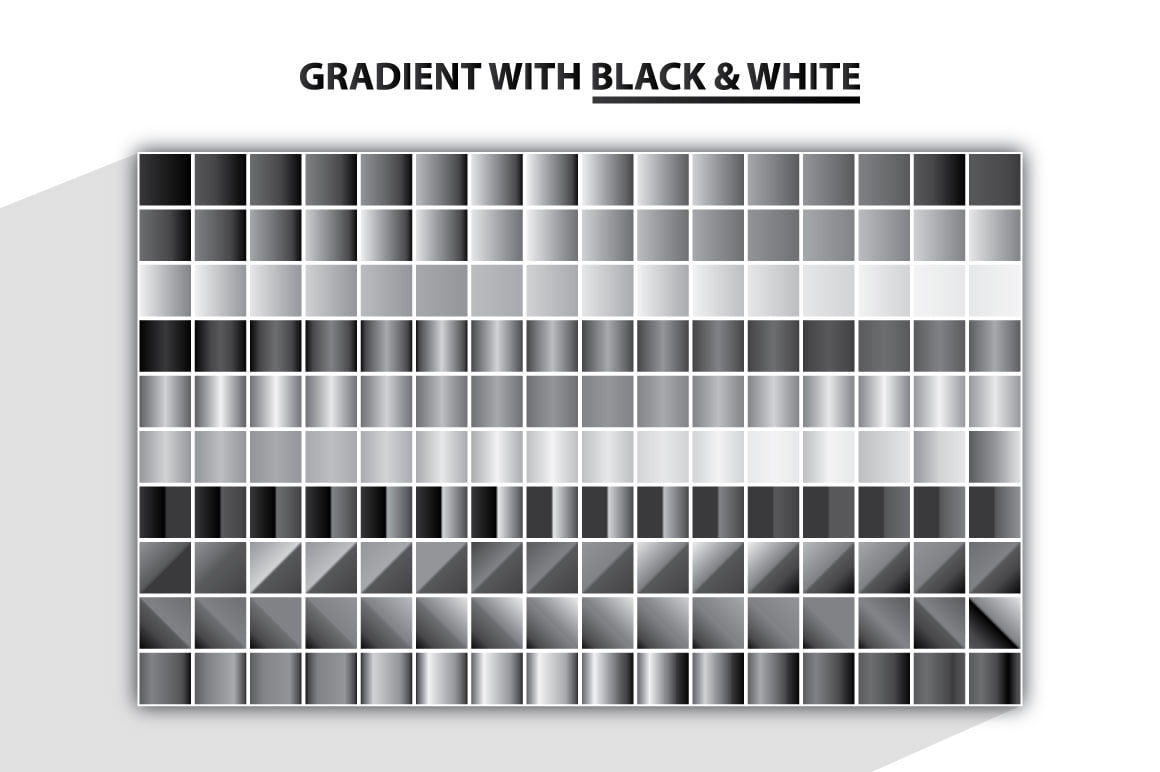
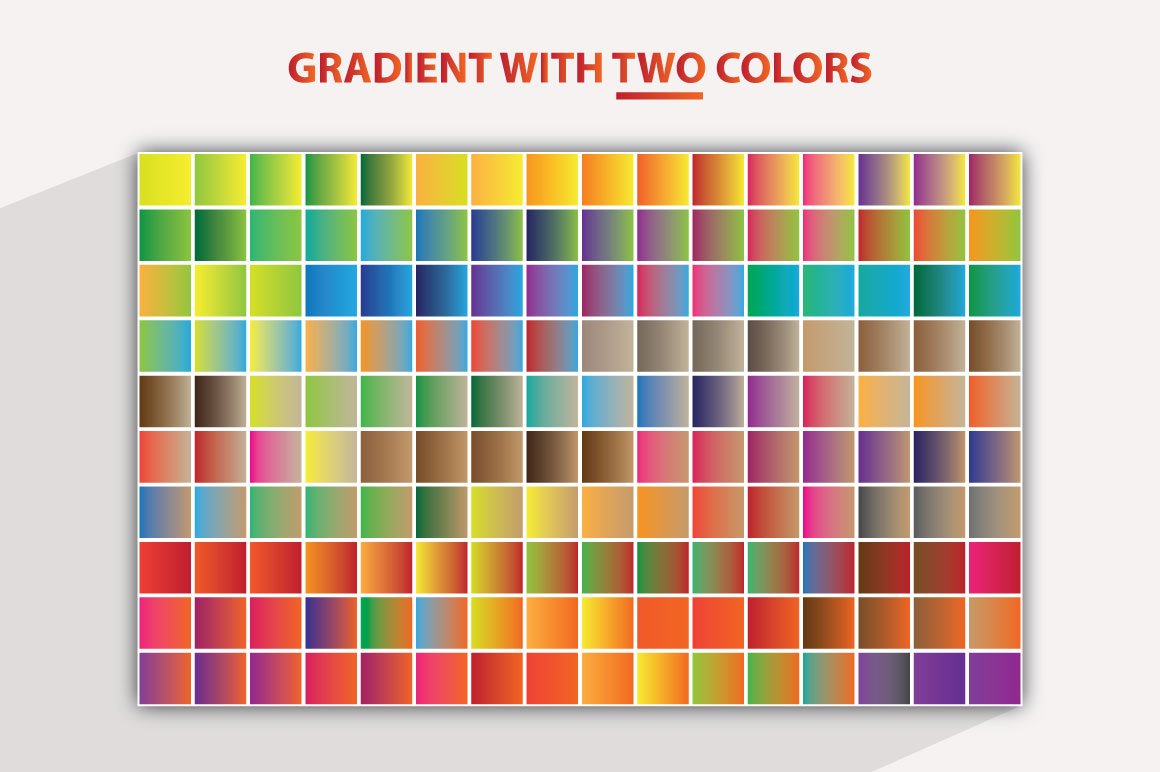
 Gradients 149 Collections Instruction
How to change color
1. First open the .Ai/.Eps file.
2. Then press “V” and select the whole template.
3. Ungroup them (Shift+Ctrl+G).
4. Then again press “V” and select the object that you want to change color.
5. Then select Swatches/Color (Window>Swatches/Color).
Done
How to change text
1. First open the .Ai/.Eps file.
2. Then press “V” and select the whole template.
3. Ungroup them (Shift+Ctrl+G).
4. Then again press “V”, select the text and change it as you want.
5. For further changes take a look at “TYPE” (On the above).
Done

for more visit= www.muhammadniaz.net
Download Links Here

Dear Sir i am unable to downlode this gradient
tomorrow Download Link Repaired for you
Gradients not available any more please upload it
ok Dear i will upload for you in 6 hours
Blogger and CorelDRAW ke Course Complete ho jane ke bad
ALHAMDULLAH I am Fine and INSHALLAH in ke Course bi Launch ker donga