

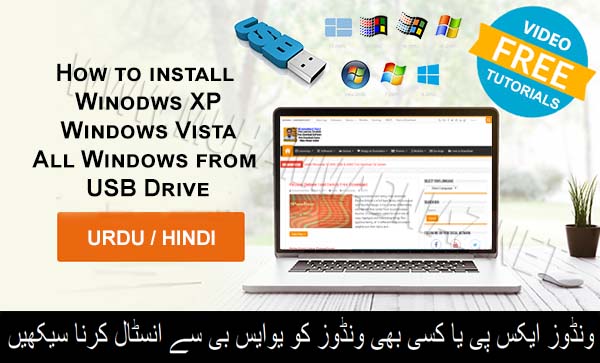
In this video learning tutorial you can learn how to Install Windows XP, Vista, Seven/7, 8/8.1 and Windows 10 from USB Drive in Urdu/Hindi Language, OR how to create bootable USB drives the easy way. In this Video tutorial i use Rufus utility that helps format and create bootable USB flash drives, such as USB keys/pen drives, memory sticks, etc.
Rufus
It can be especially useful for cases where:
you need to create USB installation media from bootable ISOs (Windows, Linux, UEFI, etc.)
you need to work on a system that doesn’t have an OS installed
you need to flash a BIOS or other firmware from DOS
you want to run a low-level utility
so Watch Learn and Also Share with your Friends.
also Check out for windows 10, 7 & 8/8.1
For Windows XP/Vista/All Windows= Rufus: 4.15
For Windows 10, 8.1/8, 7= Windows 7 USB/DVD Download Tool




Sir, win xp installation me “NTLDR IS MISSING” ka error aata he.
Guide me please!
How to activate windows 7
https://www.muhammadniaz.net/2013/04/15/win7genuine/
Bhai Yeh Tusifile website se app Download nahi ho rai shayad server pe nahi hai file. aap kindly check kar lain aur ho sake to kisi aur server pe upload kar k uska b link add kar dain. is k download pe click karte hain to wait kuch b download nahi hota 2Mb ki file hai jab k 4 GB ki windows download hogyi is file k wait main
Dear ap ke liye Direct Download Link Update Ker diya hai
Love u Sir g
Thank you :)
Website ko Friend ke Sath zaror Sharfe ki jiye ga
Niaz Bhai window pehle usb me copy karni hai ya rufus khud hi karega.
ap ko ISO Image Download kerne hai Windows ki jo ke Website pe available hii
wo image ap ne Rufus main insert kerni hai